


| Contents Tab |
 |
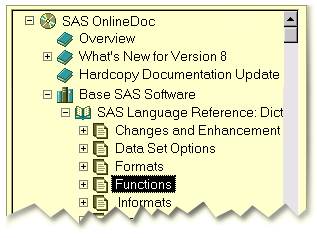
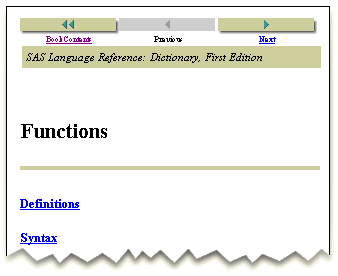
| Display a topic and expand the table of contents |

|
|
|
Contents Tab
|
|
 |
|
|
|
 |
Display a topic and expand the table of contents |
Copyright (c) 1999 SAS Institute Inc., Cary, NC, USA. All rights reserved.