Check to see that Master Index appears next to the Index
for button.
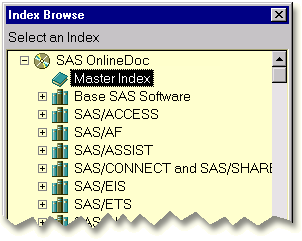
If Master Index does not appear, click Index
for. Then select Master Index from the Index
Browse window. Click OK to close the Index
Browse window. The master index appears on the right.
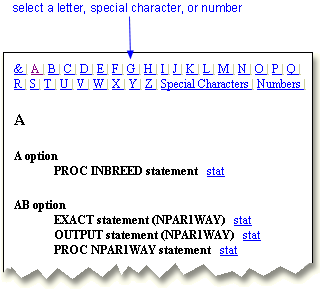
Select the letter, special character, or number that corresponds to the
first character of the index entry you want to find. The first entry with
the character you select will appear.
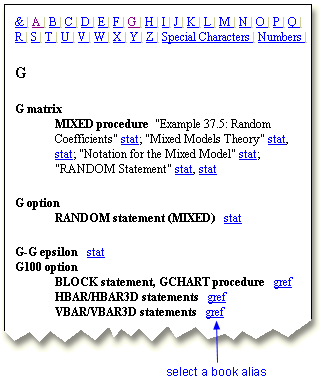
To view an entry, select the book alias listed next to it.
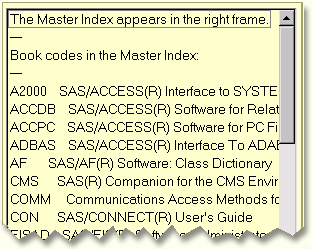
Use the book alias key on the left to view a complete list of book aliases
and the books they represent.