


| Search Tab |
 |
| Search a book using a query type |


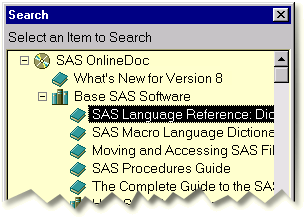
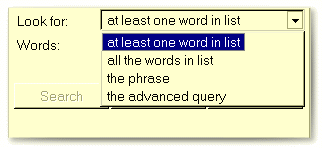
all the words in list to find pages that contain all of
the words entered in the list
the phrase to find pages that contain the entered phrase
the advanced query to specify advanced query options including logic operators, proximity conditions, and threshold conditions.
For additional information on queries, select the Help tab.
Then select Searching from the list of Help
topics.
Enter the words you want to search for in the corresponding
field.

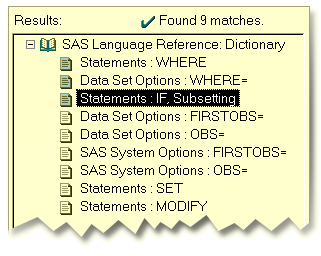
Select Search or press the ENTER key. A list of items that
match the search criteria appears on the left. The first item in the list
appears on the right.

Select other items in the list to view them on the right. Items that most
closely match the search are indicated with teal-colored icons.
|
|
Search Tab
|
|
 |
|
 |
Search a book using a query
type
|
Copyright (c) 1999 SAS Institute Inc., Cary, NC, USA. All rights reserved.