Main MenuPreviousNext

Index Tab
Display a topic using a book index

  1. Select the Index tab.

    Index tab

  2. Select the Index for button.

    Index for button

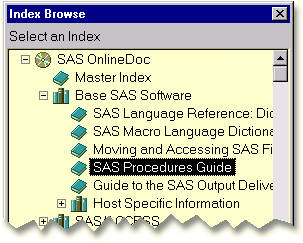
  3. Select a book from the Index Browse window. Then click OK.

    Index Browse window

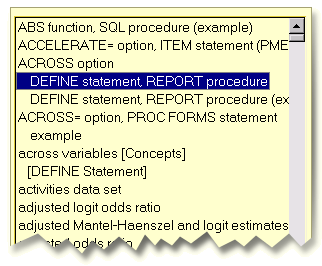
  4. Select an entry from the index on the left. The corresponding document appears on the right.

    Book index
Index Tab
Display a topic using the master index
gray arrow
Display a topic using a book index

Main MenuPreviousNext

Copyright (c) 1999 SAS Institute Inc., Cary, NC, USA. All rights reserved.