How do I add an alert?
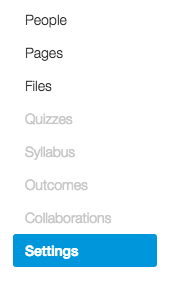
1. Click Settings in the course navigation menu on the left.
2. Click the Alerts tab.
In the Alerts tab, you can set up multiple alerts in 4 simple steps.
1. Add a Trigger. A trigger is what causes an event to happen.
2. Add a Recipient. The recipient will receive a notification when the event triggers.
3. Set repetition. You may choose to set the alert as a one-time event or set it to occur multiple times.
Once finished, click on the Save Alert button.
