How do I add the Library Reserves?
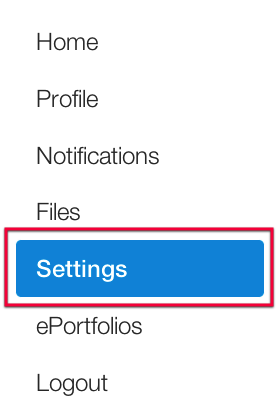
1. Click Settings on the left hand panel
2. Click Navigation

3. Scroll down to Library Reserves beneath Drag Items here to hide them from students
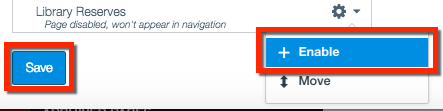
4. Click the gear and choose Enable
5. Click Save
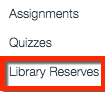
You will see Library Reserves on the side navigation.
If you have any questions about the library reserves integration contact lib-reservesurl@sfu.ca