8.1: Creating Camera, Camera Cuts & Preview
Created different shots for existing cameras, then created a new camera and attached it to a motion path. Added it to the sequence and used playblast to capture video.
8.2: Path Animation
Created a plane, changed the vertices to create hills and valleys. Attached the agent to a motion path, changed the graph to alter the motions. Created a camera and attached it to a second motion path, set keys for different parts of the curve to keep the agent in shot.
9.1: Color Animation & Non-linear Deformers
Set key for ramp colors, squashed and stretched the bouncing agent. (I'm not sure why the video is skewed and black and white.)
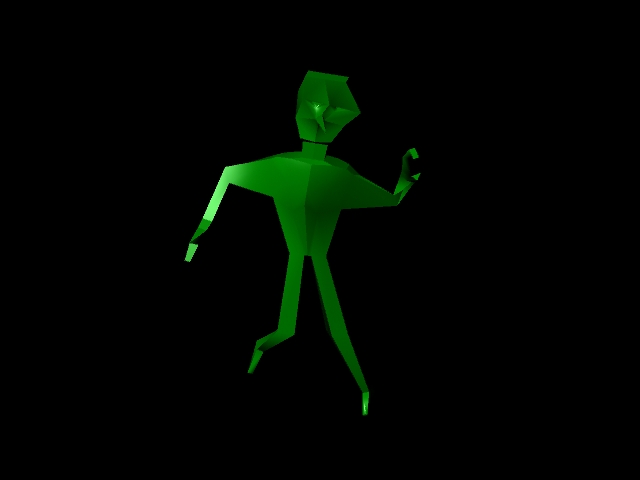
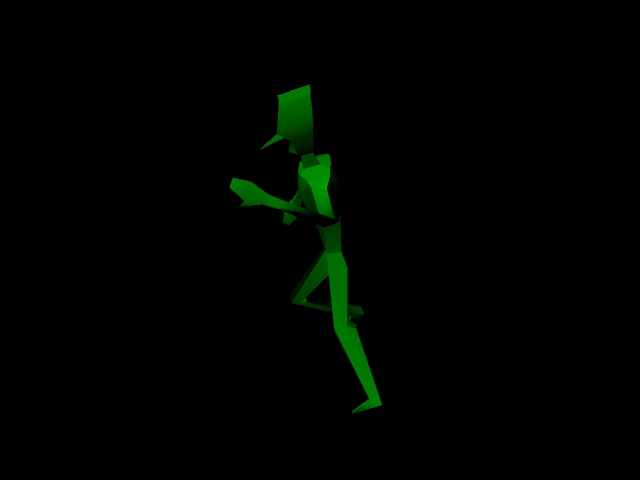
9.2: Skeleton, Rigging & Skinning
Created a skeleton and bound it to the skin.
10.1: Skinning
Changed back to bind pose, changed influence weights, made a hand waving gesture.
10.2: IK and Kicking a Soccer Ball
Used IK to create a kicking motion. Squashed the soccer ball.
6.3: Character Modeling
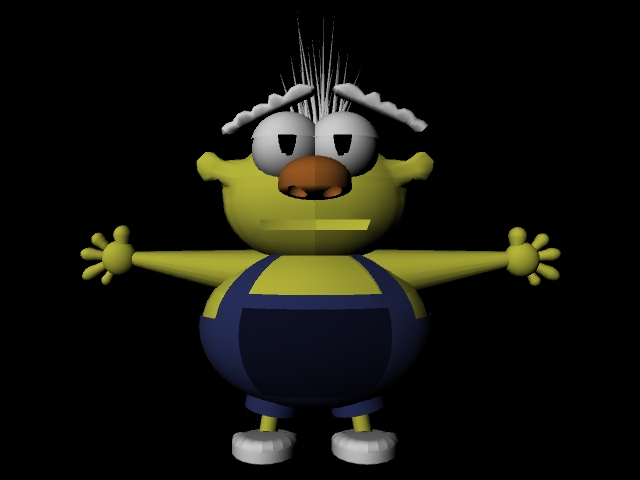
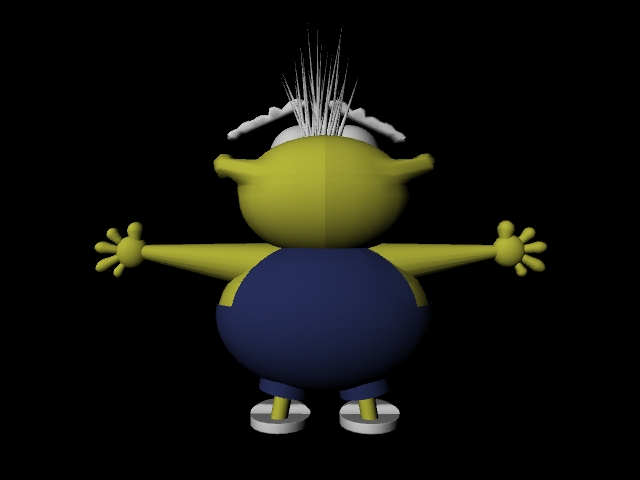
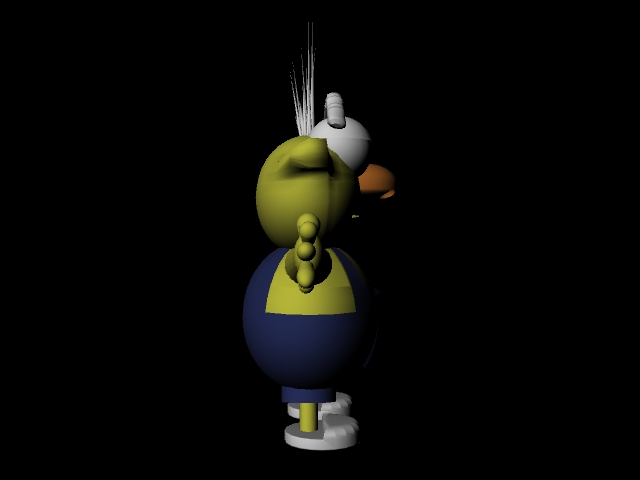
This is my character for my final project. I imported the front and side sketches into Maya as a reference to create the character. For each component, I made half of him first before duplicating an instance for the other half. I had to change his feet to slippers because I had a lot of trouble with the toes. All of his materials are lamberts with different colors.
7.1: Keying Process
I made the girl move by adding keyframes and changing her rotation and translation. Practiced deleting and adding keyframes. Used playblast to get the video.
7.2: Bouncing Character
Added keyframes for each of the different positions of the agent. I then used the graph editor to change the speed and different transformations. I added spins as well as resizing the agent at each bounce. Used playblast to grab video of the animation.